Hidden Settings is a preference pane that installs into the System Preferences application in Mac OS X. The purpose of it is to provide users an easy way to access some hidden features in the operating system and some applications that ship with it.
Jan 22, 2012: This preference pane is not maintained anymore. There are many other applications available for this purpose, though; the "other similar software" list below could be useful, although it's a bit out of date.
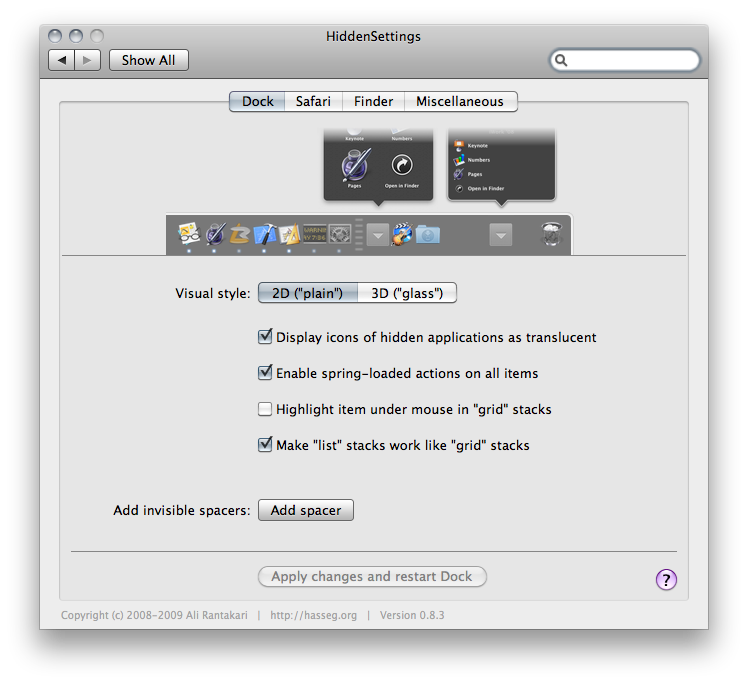
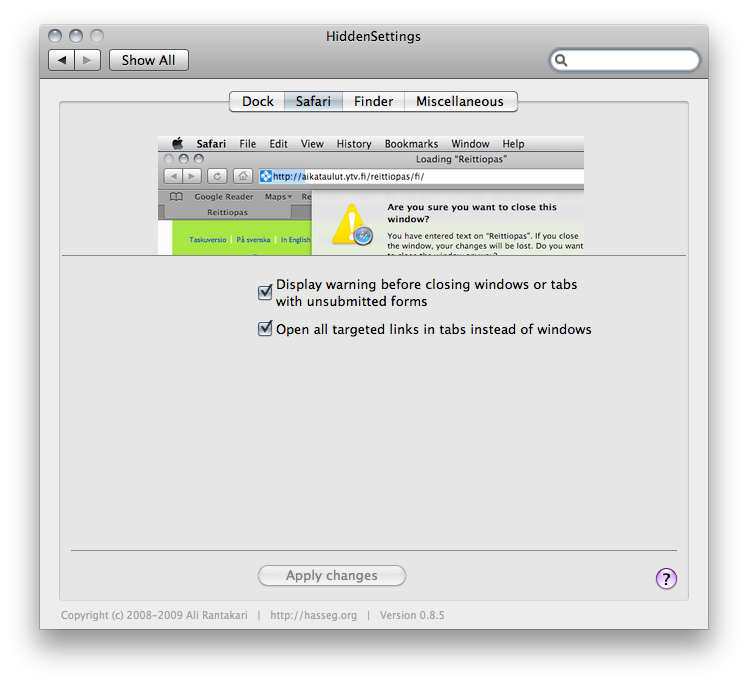
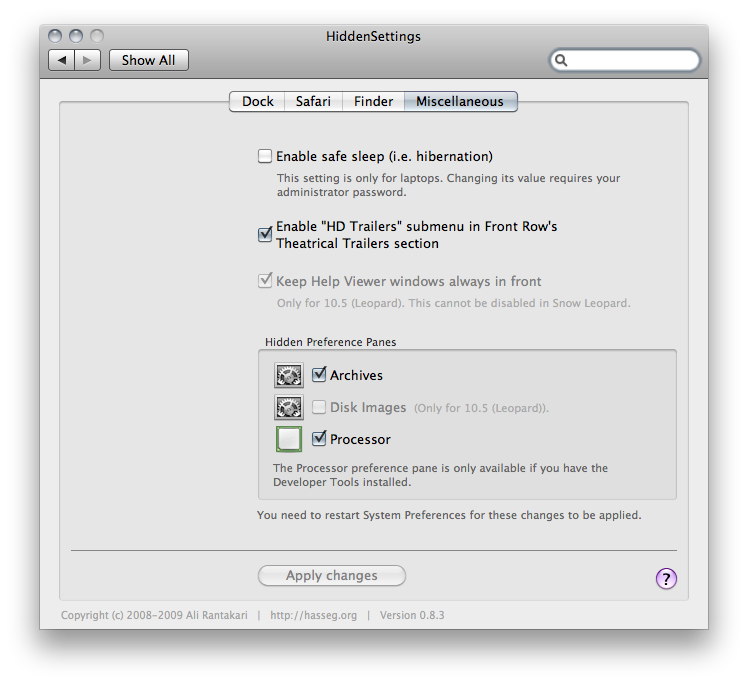
Some screenshots:
Other similar software:
Secrets An open-source preference pane that retrieves undocumented and/or hidden preferences from a publicly editable database. Has way more options than this one, and lists hidden preferences also for third-party software. Limited to enabling hidden features that are set via the user defaults system.
MacPilot A more polished commercial alternative with more features.
TinkerTool Free stand-alone application alternative with more features.
NOTE:
Although I have made this preference pane mainly for my own use and have thus used it myself without encountering any problems, it is important to note that all of the features it invokes are undocumented and hidden by Apple for a reason, and as such no warranty can be given for the safety of using it.
This preference pane assumes you are running the latest version of OS X with the latest updates (i.e. the version of OS X that was latest when the latest version of this software was published (clear enough? :D)).
Re-enabled the "highlight item under mouse in grid stacks" preference on Snow Leopard (a typo was fixed in the preference key name on Snow Leopard, but the feature is still there).
Rebuilt the preference pane as a 32/64-bit Universal Binary with Garbage Collection support so that System Preferences on Snow Leopard wouldn't have to restart in order to load it.
Disabled some preferences on Snow Leopard -- ones that won't work there, that is.
Removed the option for automatically restarting Safari after applying changes. (This is so that we wouldn't have to "force quit" safari and then start it again -- asking Safari to quit via AppleScript would make it possible that the user cancels the quitting process and we would end up waiting forever for Safari to quit. It's better to just ask the user to restart Safari manually.)
Removed the "Switch spaces automatically when an application in another space gains focus" option since it was added into the built-in Spaces settings in the 10.5.3 update and with this change, renamed the "Dock & Spaces" section to simply "Dock".
Moved the "Create .DS_Store files also on remote volumes" setting into the "Finder" section
Renamed the "System" section/tab to "Miscellaneous"
A Quick, minor UI bugfix related to information popups popping up at the wrong time
Fixed a bug where the preference pane didn't properly recognize changes in the "System" section as being applied when just the "safe sleep" setting was changed and applied.
Whenever the "safe sleep" feature is turned off with this preference pane, the sleepimage file (located in /var/vm/sleepimage) will be removed to conserve disk space (this can be considered one of the advantages in disabling the feature in the first place.)
Added some notifications about restarting the computer or the System Preferences application when some settings that require restarts have been applied.
Added options for installing three "hidden" Preference Panes (Archives, Disk Images, and Processor, the last one of which is only available if you have Developer Tools installed)